
 Proprietorship Registration

CPWD Enlistment Fees 2026: Complete Class-Wise Fee Chart + How to Pay on BharatKosh

Writen by
Admin

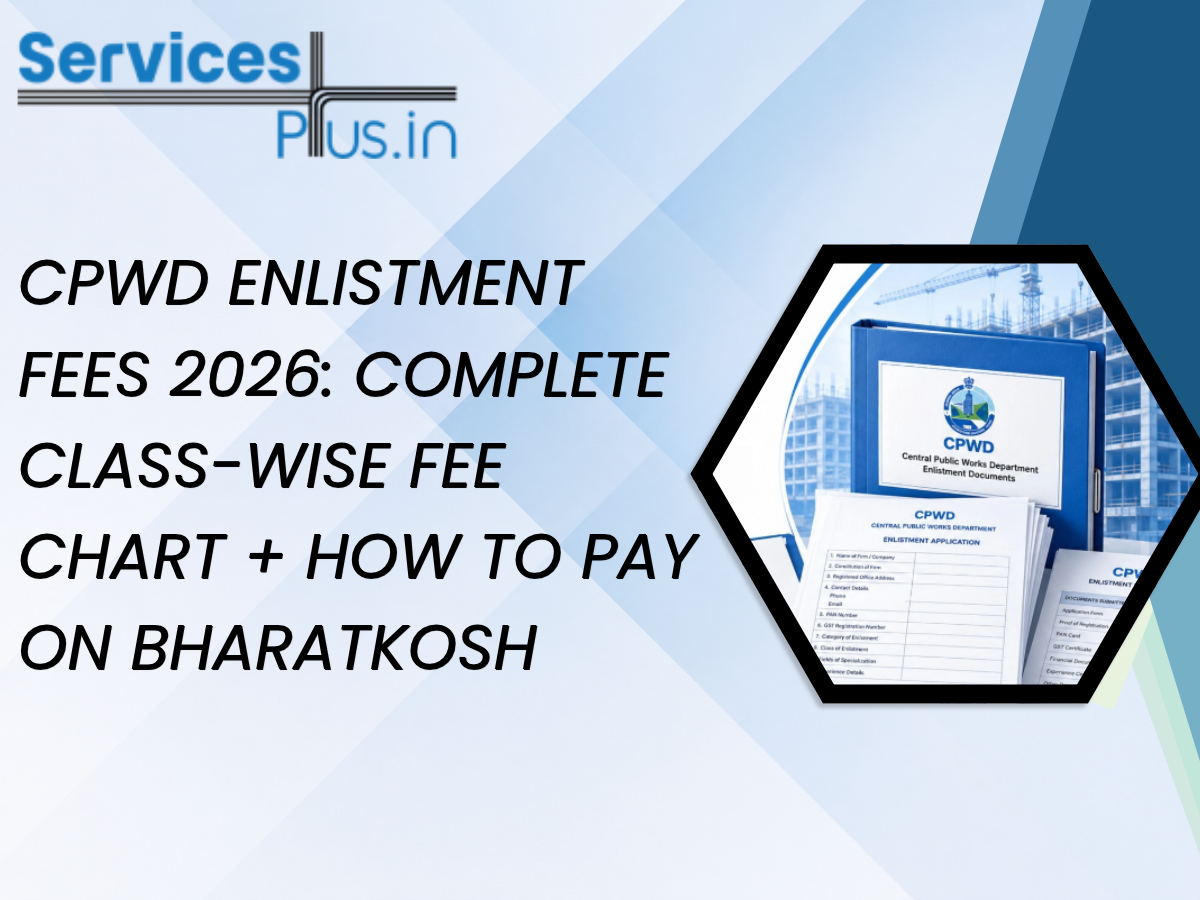
You've gathered your documents and sorted your financial certificates, and you're finally at the last step of your CPWD enlistment application. Then the portal asks you to pay the fee through something called BharatKosh, and suddenly you're staring at a government payment gateway with no clue what ministry to select or which purpose code applies to you.
This happens to almost every first-time applicant. The fee amount itself isn't complicated once you know your class. The payment portal is where people genuinely get stuck. So let's cover both properly: the CPWD enlistment fees 2026 chart first, then the exact BharatKosh steps that actually get your payment through on the first try.
Before we get into numbers, here's something worth understanding. CPWD treats your enlistment fee payment date as significant. Under the enlistment rules, the date your application is officially considered received is either the diary date of your application or the date of your fee payment instrument, whichever comes later. In plain terms, a delayed or failed payment can genuinely push back your application timeline, even if every other document was submitted on time.
That's reason enough to get the BharatKosh part right the first time, rather than fumbling through it and losing a few days to a payment error.
CPWD enlistment fees are structured by category and class, and they're revised periodically through official circulars. A quick word of caution here. You'll find conflicting numbers across different websites online, some quoting older 2021-era figures, others showing partially updated tables. The chart below reflects the commonly cited fee structure for 2026, but treat it as a working reference, not gospel. Always confirm the exact figure on the CEMS portal or your regional CPWD circular before you make the payment, since these amounts do shift.
|
Class |
Approximate Enlistment Fee |
|
Class I (Super) |
₹40,000 |
|
Class I (AAA) |
₹35,000 |
|
Class I (AA) |
₹30,000 |
|
Class I (A) |
₹25,000 |
|
Class I |
₹20,000 |
|
Class II |
₹15,000 |
|
Class III |
₹10,000 |
|
Class IV |
₹5,000 |
|
Class V |
₹3,000 |
|
Class |
Approximate Enlistment Fee |
|
Class I (A) |
₹7,000 |
|
Class I |
₹5,000 |
|
Class II |
₹4,000 |
|
Class III |
₹3,000 |
|
Class IV |
₹2,000 |
A few things worth noting about this chart. First, the fee scales with your class, not just your category. A Class V Building and Roads contractor pays far less than a Class I (Super) applicant, and that makes sense given the tendering limits attached to each tier. Second, this fee is non-refundable. Whether your application later gets approved, rejected, or sent back for corrections, the enlistment fee itself doesn't come back to you. That's exactly why confirming your correct class before you pay matters so much.
Picking the wrong class isn't just a technical mismatch. It directly affects how much you pay and what projects you can eventually bid on. A contractor with genuine Class II-level turnover and experience who mistakenly applies under Class I ends up paying a heavier fee for a class they may not even qualify for on financial grounds, and that application is likely to get bounced back anyway.
If you're still working out which class genuinely fits your business, it's worth reviewing your eligibility properly before you get anywhere near the payment step. Our detailed guide on CPWD contractor registration for new applicants walks through the class-wise eligibility criteria in depth, and it's a good checkpoint before you commit to a fee payment you can't get back.
BharatKosh, officially called the Non-Tax Receipt Portal (NTRP), is the Government of India's centralized platform for collecting non-tax payments. It's run by the Office of the Controller General of Accounts, under the Ministry of Finance. License fees, RTI charges, tender fees, and yes, CPWD enlistment fees all flow through this single gateway rather than through individual department websites.
CPWD itself functions under the Ministry of Housing and Urban Affairs (MoHUA), so when you're on BharatKosh making this payment, you'll be selecting Housing and Urban Affairs as your ministry, not searching for "CPWD" directly as a standalone entry. This trips up a surprising number of applicants who go hunting for a CPWD-specific option and can't find one.
Here's the actual walkthrough. Follow this in order, and you'll avoid most of the common hiccups.
Go to bharatkosh.gov.in directly. Don't search for it through a random link shared in a WhatsApp group or forum post, since fake or outdated payment links do circulate, and you don't want your fee going to the wrong place.
You have two options here. Registered users log in with saved credentials, which is handy if you're likely to make more government payments later. Non-registered users can pay as a guest, without creating an account first. For a one-time enlistment fee payment, going in as a non-registered user is usually the faster route.
From the ministry dropdown, choose Ministry of Housing and Urban Affairs. This is the ministry code step that trips people up most often, precisely because CPWD doesn't appear as its own top-level entry. Selecting the parent ministry correctly here is non-negotiable, because everything downstream, your purpose options and PAO code, gets filtered based on this choice.
In the purpose search field, type a relevant term such as "CPWD enlistment" or "contractor enlistment fee." A dropdown of matching purposes will appear. Select the one that matches your specific CPWD circle or regional office, since CPWD operates through multiple regional offices, and the purpose list is often mapped accordingly.
Once you select the correct purpose, the system automatically displays a PAO (Pay and Accounts Office) code tied to that purpose. Don't skip past this. The PAO code confirms your payment is routing to the correct accounting office. If the PAO code shown doesn't match what's mentioned in your CPWD circular or application instructions, stop and double-check your purpose selection before going further, since a mismatched PAO code is one of the most common reasons a payment gets stuck in reconciliation limbo even after it's technically gone through.
Type in the exact fee amount for your class, based on the chart above, or whatever figure your CPWD application portal has already calculated for you. Some purposes on BharatKosh accept any amount, while others, especially fixed fees like this one, only accept the exact value. If you enter a mismatched figure, the system will typically reject the transaction outright rather than accepting a partial or rounded amount.
You'll be asked for your name, address, mobile number, and email ID. Take extra care with your mobile number and email here. If your receipt fails to generate immediately after payment, which does happen occasionally, this is how BharatKosh's support team traces your transaction and regenerates it. Getting these details wrong can turn a two-minute payment into a two-week support ticket.
BharatKosh supports net banking, debit cards, and UPI in most cases. Pick whichever you're most comfortable with, though net banking tends to have the fewest failure points for larger government fee payments.
Once the payment clears, download the digital receipt immediately. Don't rely on it staying accessible in your BharatKosh history indefinitely; save a copy to your own device. You'll need the transaction ID or reference number when you go back to your CPWD application to confirm the fee payment.
A handful of errors show up again and again for CPWD applicants specifically. Here's what to watch for.
Searching for "CPWD" directly instead of Housing and Urban Affairs is the single most common mistake. If your purpose search comes up empty, this is almost always why.
CPWD has multiple regional offices, and purposes are often mapped to specific circles. Paying under the wrong regional entry can delay how quickly your CPWD application team can match your payment to your file.
Rounding up or down, even by a few rupees, can cause an outright rejection on fixed-fee purposes. Always match the exact figure your class requires.
A dropped connection during the payment gateway redirect can leave a transaction in limbo, debited from your account but not confirmed on BharatKosh. If this happens, don't immediately retry the full payment. Check your bank statement first, then use BharatKosh's payment tracking feature before attempting a second transaction.
Since receipts aren't always easy to re-download later, treat the download step as mandatory, not optional.
As mentioned above, this is your lifeline if something goes wrong post-payment. Double-check before hitting submit.
If you do hit an error partway through, don't panic and don't spam retry the transaction. Most payment failures on government gateways are timeout issues rather than genuine declines, and firing off three payment attempts in a row just makes reconciliation messier if two of them actually succeed.
Once your BharatKosh payment clears, head back to your CPWD application on the CEMS portal and enter the transaction ID where prompted. This links your payment record to your enlistment file. From here, your application moves into the review queue, and the date recorded for your fee payment becomes part of your official application timeline, as we mentioned earlier.
If you haven't yet started your enlistment application and you're reading this because you're still gathering information, it's worth starting from the beginning. Our CPWD contractor registration page covers the full eligibility and document checklist, so you know exactly which class and fee slab applies to you before you ever reach the BharatKosh screen.
Getting your class right and your BharatKosh payment right on the first attempt saves you real time in an already lengthy enlistment process. If you'd rather not navigate the CEMS portal and payment gateway alone, our team at Services Plus can guide you through the entire CPWD enlistment journey, starting with your CPWD contractor registration.
No. The enlistment fee is non-refundable regardless of whether your application is approved, rejected, or returned for corrections. That's exactly why confirming your correct class before payment matters so much.
CPWD functions under the Ministry of Housing and Urban Affairs, so you'll need to select that ministry rather than searching for CPWD as a standalone entry on the portal.
Don't attempt an immediate second payment. Check your bank statement to confirm the debit, then use BharatKosh's tracking feature or contact their support with your transaction details to resolve it.
Yes. Non-registered users can make the payment as a guest, which is typically the faster route for a one-time fee like this.
Yes, significantly. Horticulture category fees are generally lower across equivalent classes compared to the Buildings & Roads category, reflecting the difference in tendering limits between the two.
The PAO code auto-populates once you select the correct purpose tied to your CPWD regional circle. If it doesn't match what's mentioned in your application instructions or circular, recheck your purpose selection rather than proceeding.


with free consultation